Local Services Ads or Google Search ads? A guide for local service businesses
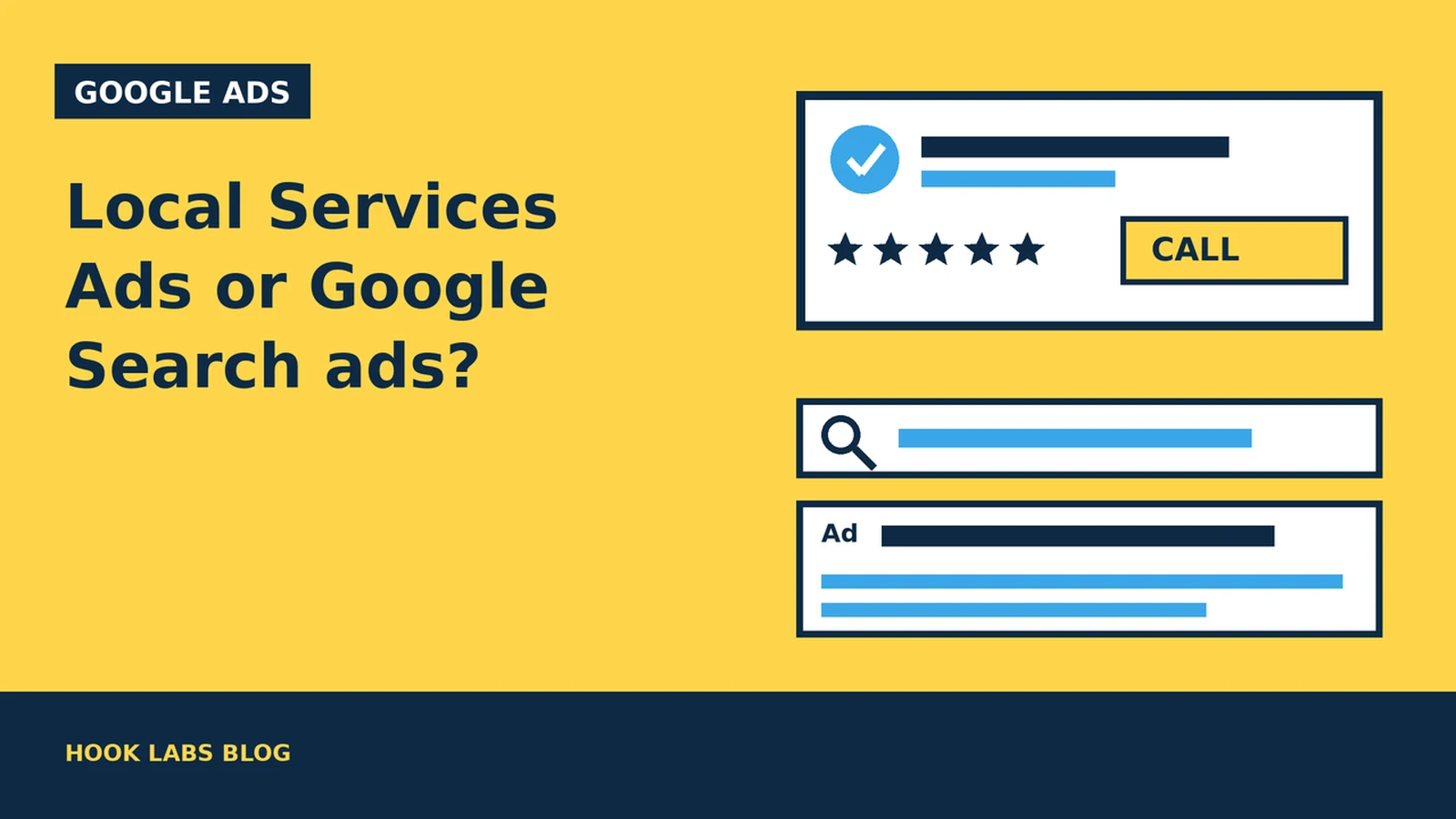
If you run a trade or home-service business in Milton or anywhere in the GTA, you have probably seen two kinds of paid results at the top of Google: a row of business profiles with star ratings and a call button, and the more familiar text ads with a headline and a link. The first is Google’s Local Services Ads. The second is a regular Google Ads Search campaign. They are bought, billed and ranked differently, and choosing between them is one of the first decisions a local service business faces.
This guide explains how each works, who can use Local Services Ads in Canada, and where to start, based on Google’s own help pages, linked as we go.
1. What Local Services Ads actually are
With Local Services Ads, you advertise on Google and receive leads directly from potential customers, as phone calls and messages sent through your ad. Google shows the Local Services unit prominently in search results when people search for the services you offer in the areas you choose. People can tap your ad to call you or send a message request, and in some cases book with you directly through the ad. (Local Services Help: Getting started with Local Services Ads)
A Search ad is something you write, pointing to a page on your website. A Local Services ad is built from your Local Services profile: your business details, reviews and the verification checks you have passed. Businesses that pass Google’s screening can show a Google Verified badge, which Google says signals that the business has passed its screening process. (Local Services Help)
2. Who can use them in Canada
Local Services Ads are only available for certain service categories, and Google lists Canada among the countries where they run. (Local Services Help) Google’s Canadian screening page covers home services such as appliance repair, carpet and upholstery cleaning, electricians, garage doors, house cleaning, HVAC, junk removal, lawn care, locksmiths, moving, pest control, plumbers, roofing, tree service, water damage services, window cleaning and window repair. (Local Services Help: Business screening and verification requirements, Canada)
Availability also depends on where you are, so Google points businesses to its eligibility check before signing up. If your business is not on that list, a restaurant or a retail shop for example, a regular Search campaign is the way to appear at the top of Google’s results. Our Google Ads setup checklist walks through that.
3. How you pay: per lead versus per click
This is the biggest practical difference.
Local Services Ads charge per lead. Google says you are charged for each valid lead you receive through your ad, and that lead prices may vary depending on your location, the job type, the type of lead and your bidding mode. (Local Services Help: How leads work) Valid leads include a phone call you answer or return, a missed call during business hours where the caller stays on the line for more than 20 seconds, a text message or email, a voicemail, and a booking request (US and Canada only). Google adds that message leads are typically priced lower than phone leads, though not always.
You set an average weekly budget. Google says you may spend more than that in a given week, but never more than your monthly maximum, which is the weekly budget multiplied by the average number of weeks in a month. Once you reach it, your ad stops showing for the rest of the month unless you raise the budget. (Local Services Help)
Search ads charge per click. With cost-per-click bidding you pay each time someone clicks your ad, and you set a maximum cost-per-click bid, the most you will typically be charged for a click. Google notes you will often pay less. (Google Ads Help: Cost-per-click definition) Whether a click becomes a call depends on your ad, keywords and landing page.
| Local Services Ads | Google Search ads | |
|---|---|---|
| You pay for | Valid leads (calls, messages, bookings) | Clicks on your ad |
| Who can run them | Eligible service categories and areas only | Most businesses, subject to Google Ads policies |
| Where people go | Your Local Services profile, then a call or message | A page on your website |
| Budget | Average weekly budget with a monthly max | Average daily budget |
| What you control | Service areas, job types, budget, bid mode | Keywords, ad text, landing page, bids, locations |
4. What decides where you show up
Local Services listings are ranked in an auction that takes into account your bid and your overall profile quality. Google lists the factors: your bid, how likely your ad is to lead to a contact, and profile quality. (Local Services Help: About ad rankings)
- Responsiveness. Google says missed calls may hurt your responsiveness, and its getting-started page warns that if you regularly fail to answer calls or respond to messages, your ranking may be affected. (Local Services Help)
- Reviews. Google says star ratings and number of reviews affect how your business ranks in Local Services Ads. Those reviews are managed in your Google Business Profile, not in the Local Services account. (Local Services Help: Reviews and ratings)
- Profile quality. Rating, review count, average response time, high-quality images and the verification checks you have completed all count. Google says higher-quality profiles, including those with images, may rank higher and may pay lower costs per lead. (Local Services Help)
- Message and booking leads. Turning these on gives customers more ways to reach you, which Google says can help especially on nights and weekends when you cannot answer the phone.
Google also notes that if you have several locations serving the same area, only your highest-ranking ad shows for a given search. In short, they reward a business that answers quickly and earns reviews.
5. Bidding and budgets in plain terms
Google describes three bid modes for Local Services Ads. “Maximize leads” lets Google set your bid to get the most leads for your budget, and is the one Google recommends, with a suggested minimum budget of 10 leads per week. “Target cost per lead” is automated bidding with an optional target. “Max per lead” is manual: you set the most you would pay for a lead. Google says it takes about two weeks to see accurate results while the system learns. (Local Services Help: How bidding works)
You can also pause the ad when you are too busy to take new leads. (Local Services Help)
6. Poor-quality leads and credits
Google says leads are assessed when the customer first makes contact, and invalid or low-quality leads are not charged. Charged leads can be reassessed later and credited automatically if found to be low quality, usually within 30 days. You can also rate leads through a feedback survey. (Local Services Help: Automated lead credits)
Two limits are worth knowing. Google no longer gives credits for “job type not serviced” or “geo not serviced” leads, so keeping your service areas and job types accurate is your responsibility. And lead credits are not available for health care verticals or tax specialists. (Local Services Help)
7. Getting verified takes weeks, not days
Before you can run Local Services Ads, Google screens your business. Depending on your category and province, that can include identity checks, business registration checks, licences, insurance and background checks. Every advertiser needs a public, verified Google Business Profile. Google says verification takes three to four weeks on average after you submit your documents, and recommends starting as soon as you create your account. (Local Services Help: Screening and verification, Canada)
Google also offers “pre-badge” ads that can start sending leads after preliminary checks while you finish the rest, but those listings are placed below providers who have completed everything. Pre-badge ads are not available for some categories, including garage door services and locksmiths. (Local Services Help) If your Google Business Profile needs work first, our Google Business Profile checklist is a good place to start.
8. What Search ads still do better
Local Services Ads are simple to run, but you give up control. A Search campaign lets you choose the exact searches you bid on, exclude the ones you do not want with negative keywords, write your own ad text, and send people to a page you built for that service. That matters when:
- your business is not in an eligible category, or not available in your area yet;
- you want to promote one specific, high-value service rather than your whole trade; or
- you want people to see your work on your own website before they call.
The trade-off is that the website has to do the converting. If clicks land on a slow or confusing homepage, you pay for visits that go nowhere. Our guide to building a landing page that converts paid traffic covers what that page needs.
9. So which should you start with?
There is no universal answer, and an eligible business can run both. A reasonable way to think about it:
- Consider Local Services Ads first if you are in an eligible category, can answer the phone reliably during business hours, already have genuine reviews on your Google Business Profile, and mainly want calls for everyday jobs.
- Consider Search ads first if you are not eligible, you want to push particular services, or you have a strong service page ready to send people to.
A quick checklist before you sign up
- Check your category and area with Google’s Local Services eligibility tool.
- Make sure your Google Business Profile is public, verified and has accurate hours.
- Gather your licence, insurance and registration documents, and allow three to four weeks for verification.
- Decide who answers calls and messages, and set service areas and job types carefully.
- Pick a weekly budget you can live with at the monthly maximum.
- Review your leads every week and rate the poor ones.
Hook Labs builds websites and service pages for local businesses and runs the ads that point to them. If you are weighing Local Services Ads against a Search campaign and want a second opinion, you can book a call.