Retargeting on Facebook and Instagram: a plain-English guide for local businesses
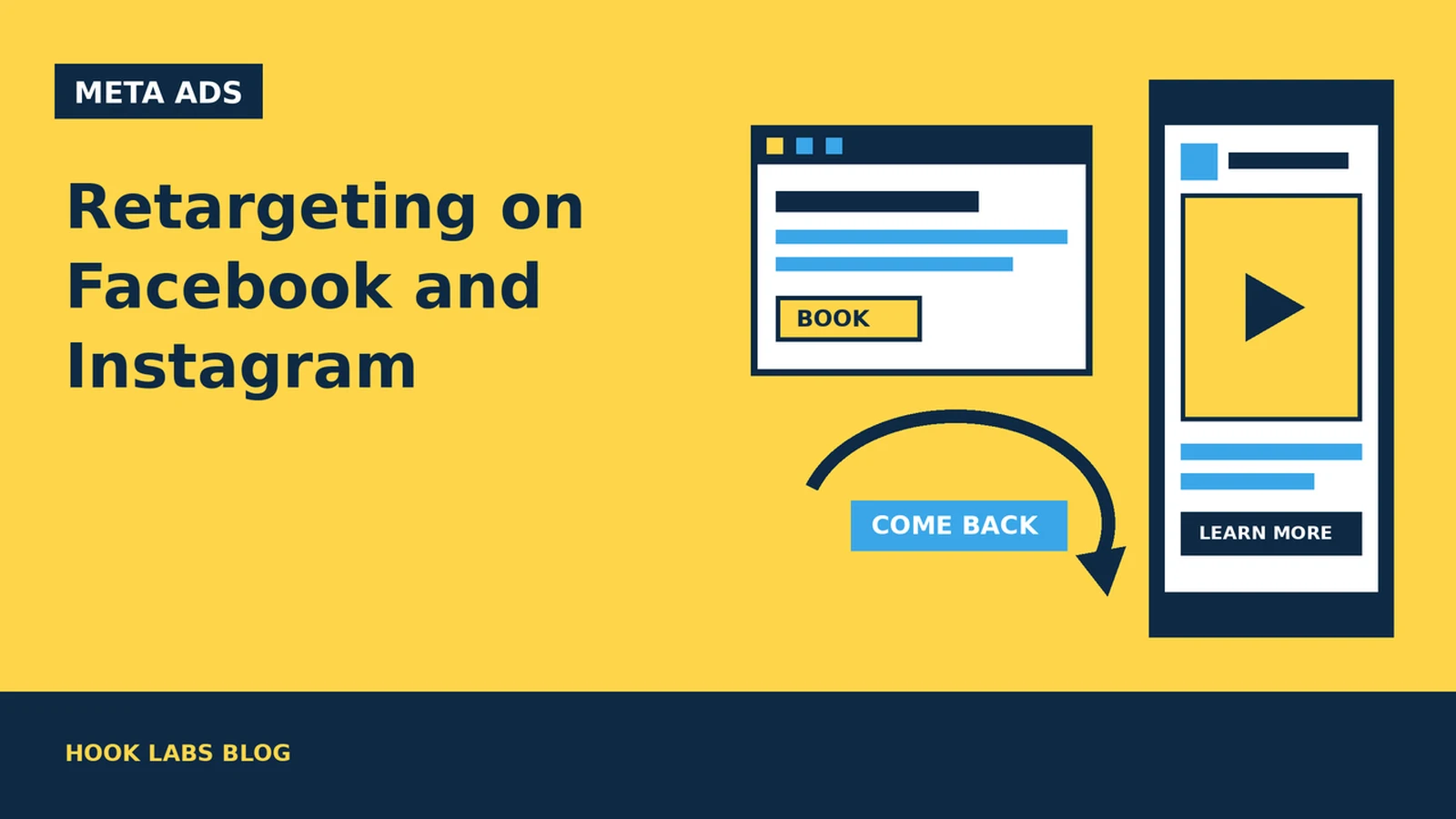
Most people who visit a local business website leave without calling, booking or buying. Some of them were only browsing. Others meant to come back and got busy. Retargeting, which Meta calls custom audiences, lets you show Facebook and Instagram ads to people who have already shown interest: they visited your site, watched your video, or engaged with your Instagram account.
For a small business in Milton or anywhere in the GTA, retargeting is often the most sensible next step after your first Meta campaign. These people already know your name. This guide covers the audiences worth building, how long Meta keeps people in them, the settings that catch business owners out, and the Canadian privacy basics to sort out first. We link to Meta’s own documentation and the Office of the Privacy Commissioner of Canada as we go.
1. What retargeting on Meta actually is
A custom audience is a targeting option that lets you find people who already know your business across Meta’s apps. Meta lets you build these audiences from your own sources, such as website visitors and customer lists, and from activity on Meta itself, including video views, lead forms, your Instagram account and your Facebook Page. (Meta Business Help Center: About custom audiences)
Before you can create or use custom audiences, someone with a role on the ad account has to accept Meta’s Custom Audience terms. Ads Manager asks for this the first time. (Meta for Developers: Custom Audience Terms of Service)
2. Website visitors: the audience most businesses start with
A website custom audience is made up of people who visited your site or took specific actions on it. Meta builds it from the Meta Pixel on your website, and you can also feed it with events sent through the Conversions API. (Meta for Developers: Website Custom Audiences) If tracking isn’t set up yet, start there. Our Facebook and Instagram ads checklist covers it.
You choose how long someone stays in the audience after a visit, from 1 to 180 days. Someone who visits again resets their clock. Meta can also prefill a new audience with visits recorded before you created it, going back up to 180 days. (Meta for Developers)
You don’t have to use all your visitors. Rules let you include people who viewed a particular page, which is useful when one service makes most of your money. A few practical splits for a local business:
- Service-page visitors: people who looked at your “furnace repair” or “teeth whitening” page, shown an ad about that exact service.
- Contact or booking page visitors who didn’t finish: people who got close. A reminder with a clear next step often suits them best.
- All visitors, longer window: a broad pool for a general brand ad or a seasonal offer.
Match the window to how long people take to decide. Someone choosing a lunch spot decides within hours. Someone picking a renovation contractor may take weeks. There’s no single correct number, so set windows that fit your customers, not a template.
3. People who engaged on Facebook and Instagram
You don’t need website traffic to retarget. Engagement custom audiences are built from people who interacted with your content on Facebook or Instagram. That includes your Instagram professional profile, your Facebook Page, lead ads and Instant Experiences. (Meta for Developers: Engagement Custom Audiences) You can also build audiences from people who watched your videos. (Meta Business Help Center)
Each source has a different maximum time window. Meta’s documentation lists up to 730 days for Instagram business profile and Facebook Page engagement, and 90 days for lead ads. An audience of people who like your Page has no time window at all. (Meta for Developers)
This is where video and retargeting work well together. A short vertical video can reach new people in your area, and anyone who watched it can then see a follow-up ad with an offer or a booking link. If you are planning that first video, our guides to hooks that stop the scroll and filming vertical video ads are a good place to start.
4. Customer lists: powerful, and the most care needed
You can upload customer details, such as email addresses and phone numbers, to build an audience of your existing customers. Meta requires the data to be hashed (scrambled into a code) before it is matched, and says plainly that you, as the owner of the data, are responsible for it. Changes to these audiences usually take up to 24 hours to process. (Meta for Developers: Customer File Custom Audiences)
Customer lists are most useful for excluding people. There is little point paying to show a “book your first visit” ad to someone who already comes to you every month. They also work for reaching past customers about a new service.
Two cautions. First, only upload contacts whose information you collected in a way that allows this use (see the privacy section below). Second, Meta began rolling out tighter restrictions in September 2025 on custom audiences that may suggest information its terms don’t allow. Its examples are audiences suggesting specific health conditions or financial status, which can be flagged and blocked from running. (Meta for Developers) A clinic should not name an audience, or build one, around a diagnosis.
5. Exclusions, and what Advantage+ audience does to your setup
Good retargeting is as much about who you leave out as who you include. Common exclusions are recent customers, people who already submitted a form, and staff.
Many ad sets now use Advantage+ audience. With it switched on, Meta’s system can look beyond the audiences you add to find people likely to respond. In Meta’s words, it does not expand your “non-negotiable” constraints: location, minimum age, language and custom audience exclusions. (Meta for Developers: Advantage+ audience)
In practice, that means two things:
- If you want an ad shown only to past visitors, check whether Advantage+ audience is on for that ad set. If it is, your custom audience works more like a starting suggestion than a fence.
- Exclusions are respected, so excluding recent customers still works as you would expect.
6. Know whether your ads fall into a Special Ad Category
Some local businesses advertise things Meta treats as a Special Ad Category: housing, employment, and financial products and services. For example, a property manager advertising rentals, a renovation company posting a job opening, or a mortgage broker. Advertisers reaching Canada with credit, employment or housing ads have had to declare the category since December 3, 2020. (Meta for Developers: Special Ad Categories)
Declaring the category changes your targeting. Age is generally fixed at 18 to 65+, you cannot choose a gender, location exclusions are not allowed, any location you pick must cover at least a 25-kilometre radius in Canada, and lookalike audiences are unavailable. (Meta for Developers) A tight “people near my Milton office” plan won’t work for these ads, so plan your creative and budget around a wider area.
7. Privacy basics for Canadian businesses
Most private-sector businesses in Ontario fall under the federal privacy law, PIPEDA, when they collect, use or disclose personal information in the course of commercial activity. Alberta, British Columbia and Quebec have their own private-sector laws. (Office of the Privacy Commissioner of Canada: PIPEDA requirements in brief)
The Office of the Privacy Commissioner (OPC) generally treats the information used to track and target people for online behavioural advertising as personal information. The OPC says opt-out consent can be reasonable, but only under conditions. People must be told about the practice in a way that is clear and easy to understand, not buried in a privacy policy. They must be able to opt out easily. And sensitive information, such as health or financial details, should be avoided. (OPC: Guidelines on privacy and online behavioural advertising)
Meta’s own terms point the same way. If you use its Business Tools, such as the Pixel, you agree to give people robust and sufficiently prominent notice. On websites, that means a clear and prominent notice on each page where Meta’s pixels are used. It must link to an explanation of how information is collected and used for ads, and how people can opt out. (Meta Business Tools Terms)
For a typical local business website, that usually means:
- A short, visible notice (often a banner or footer line on every page) saying the site uses cookies and similar tools for advertising, linking to your privacy policy.
- A privacy policy that explains, in plain language, that you use the Meta Pixel for advertising and measurement, and how people can opt out.
- Extra care for health, legal, financial and similar sites. Think hard before putting a pixel on pages that reveal why someone is contacting you.
8. A simple starting setup
You don’t need a dozen audiences. For most small businesses, a sensible first setup is:
- Prospecting: your main video or offer, shown to new people in your service area.
- Warm retargeting: website visitors, video viewers and Instagram engagers from a window that fits your sales cycle, shown a follow-up ad with a clear next step.
- Exclusions: recent customers and people who already contacted you, on both campaigns.
Retargeting audiences are smaller, so the same few people can see your ad many times. Keep an eye on frequency in Ads Manager, and refresh the ad when results drop. The page people land on matters as much as the ad, which is why we wrote a guide to landing pages that convert paid traffic.
A quick retargeting checklist
- Install the Meta Pixel (and, if you can, the Conversions API) and confirm it is firing.
- Add a clear cookie and advertising notice to every page, and update your privacy policy.
- Accept the Custom Audience terms in your ad account.
- Build two or three audiences: key service-page visitors, video viewers, Instagram engagers.
- Set time windows that match how long your customers take to decide.
- Exclude recent customers and people who already contacted you.
- Check whether Advantage+ audience is on, and whether your ads fall into a Special Ad Category.
- Avoid building audiences around health, financial or other sensitive information.
Hook Labs makes short-form video ads for local businesses and runs the Facebook and Instagram campaigns that put them in front of the right people, retargeting included. If you would like a second opinion on your setup, you can book a call.